Crypto Trading Terminal: Scanner, Backtest and Strategy Automation on One Screen

Real-time market scanning, no-code strategy creation, Multi Time Frame (MTF) filtering, professional backtest, risk management, and open/closed position tracking for an advanced trading experience.
• Windows Desktop Application • Beta Version • Download via GitHub Release • Released for Test Users
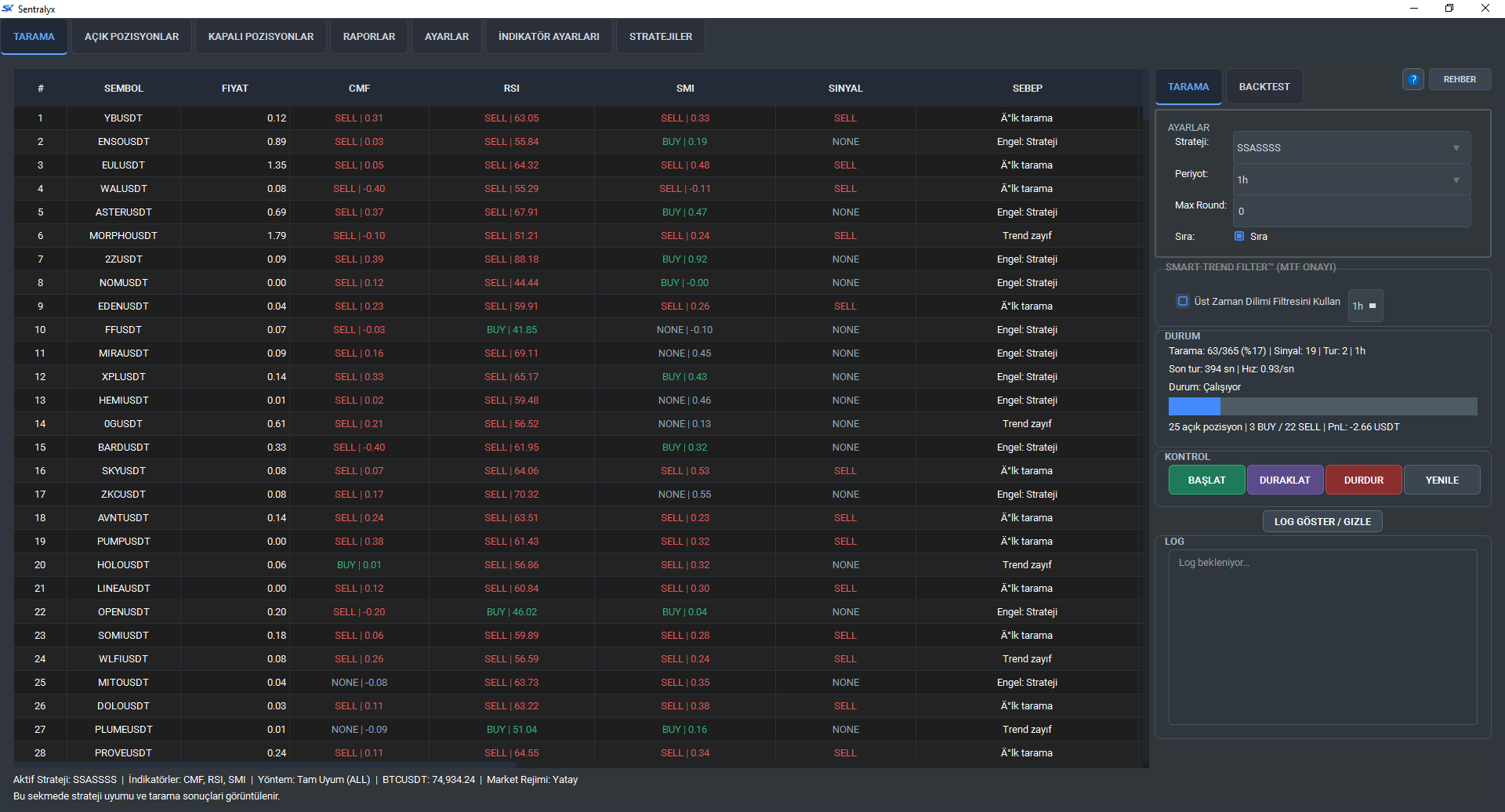
Sentralyx Scanner

Terminal Modules

All the tools a trader needs are gathered in a single terminal.

Real-Time Scanner

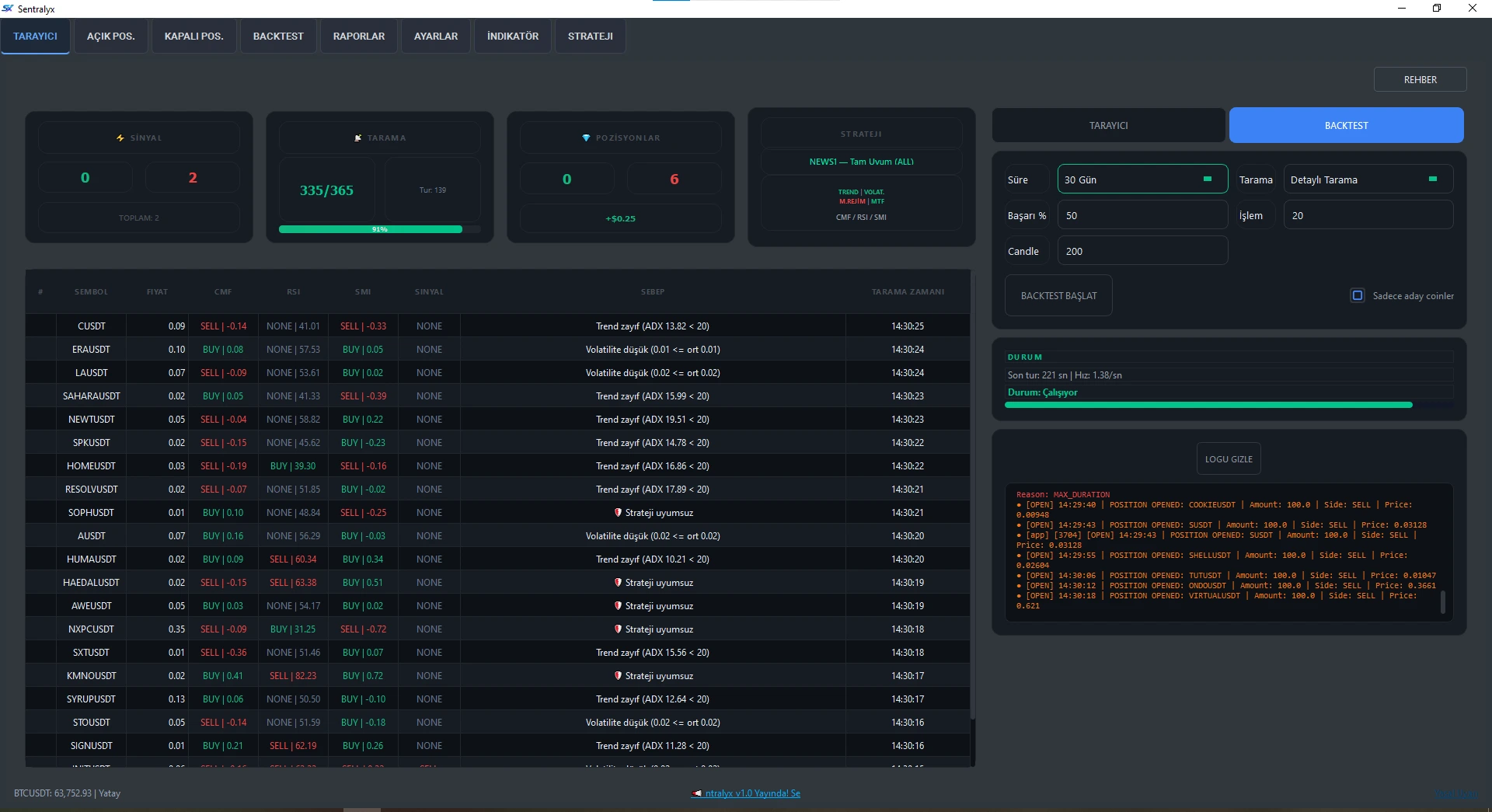
Scan hundreds of market pairs simultaneously on Binance and OKX. Filter by technical criteria and generate real-time signals.

Explore

No-Code Strategy Creation

Create strategies visually without programming knowledge. Use Majority, Scoring, and Full Reconciliation methods.

Details

Professional Backtest Engine

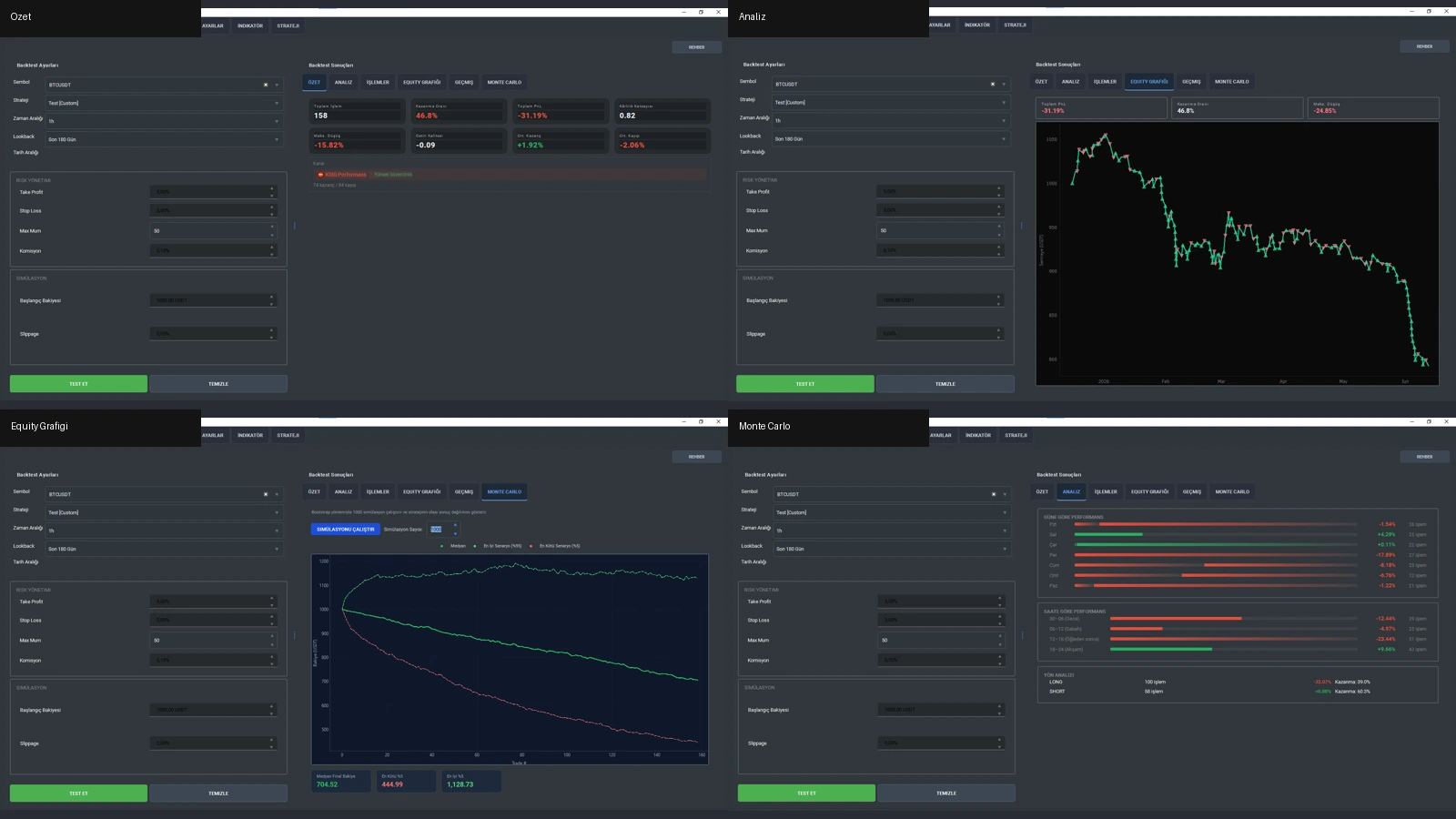
Test strategies with historical data. Commission, slippage simulation, and detailed performance metrics.

Test

MTF Trend Filter

Multi Time Frame analysis for trend confirmation. Signal validation across different timeframes.

Explore

Risk Management

Stop loss, take profit levels, and position size management. Automated risk control mechanisms.

Configure

Open / Closed Position Tracking

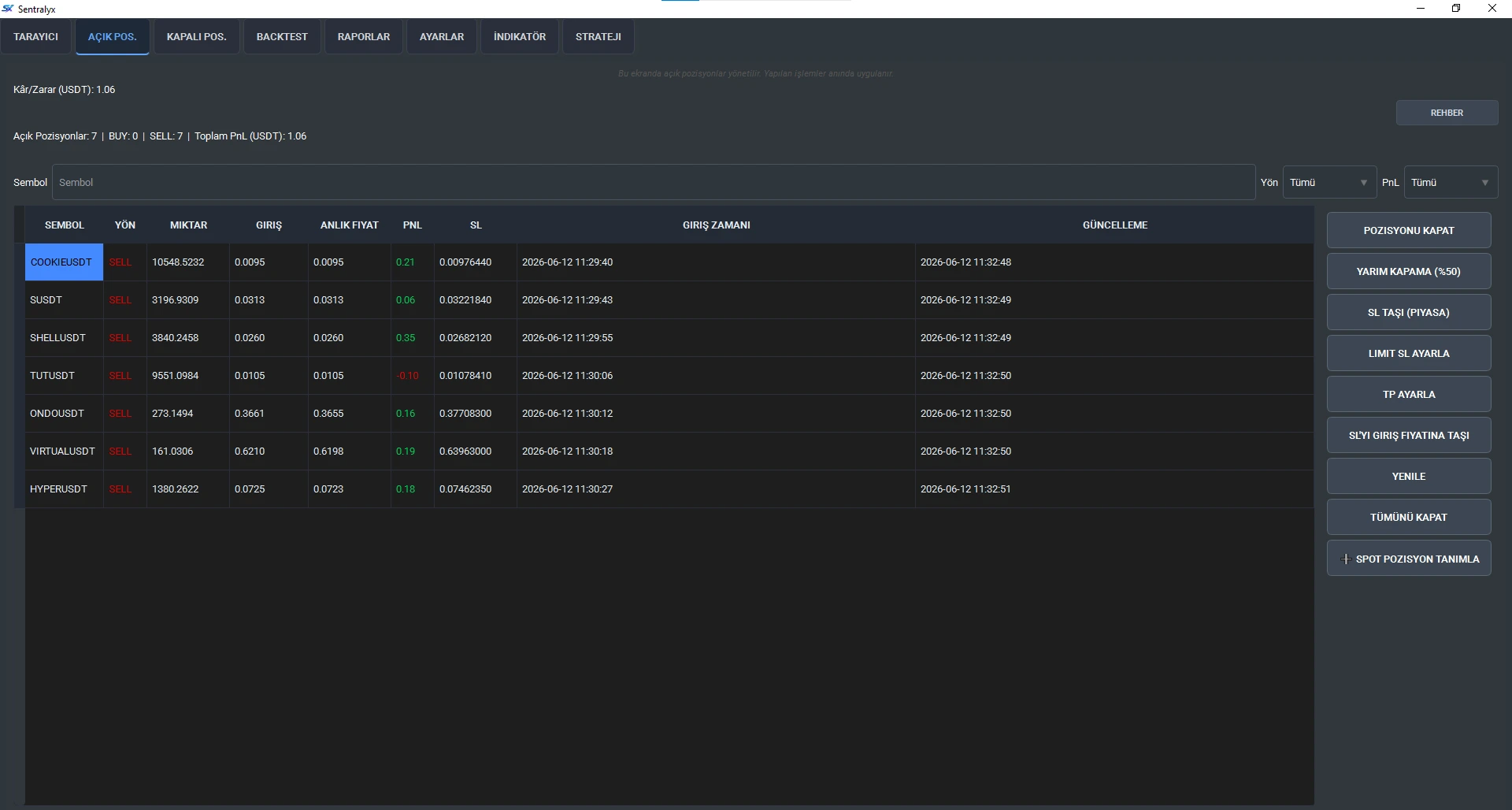
Track all positions with real-time P&L. Entry/exit prices and trade history analysis.

Manage

Reporting and CSV Records

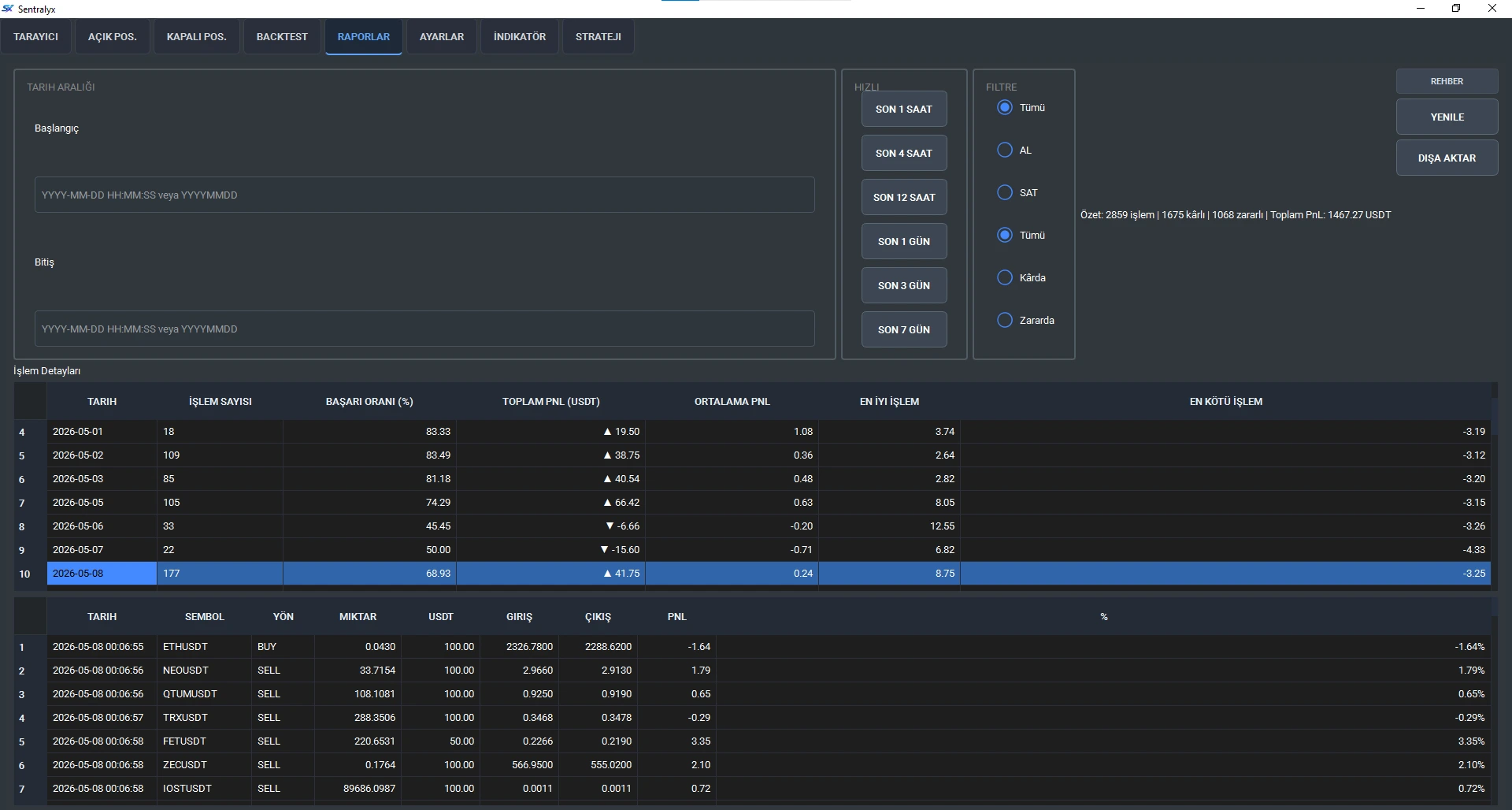
Detailed trade reports and CSV export. Performance analysis and profit/loss tracking.

Details

Local Desktop Terminal

Not a web panel, but a fully local desktop application. API keys stay secure on your device.

Download

Terminal Screenshots

Examples from the Sentralyx terminal interface

Scanner

Scanner

Real-time market scanning and signal generation.

Backtest

Backtest

Strategy tests, equity curve and Monte Carlo analysis.

Open Positions

Open Positions

Position management, stop-loss and take-profit control.

Reports

Reports

Performance statistics and trade history analysis.

Quick Access

Quickly access the most used terminal features